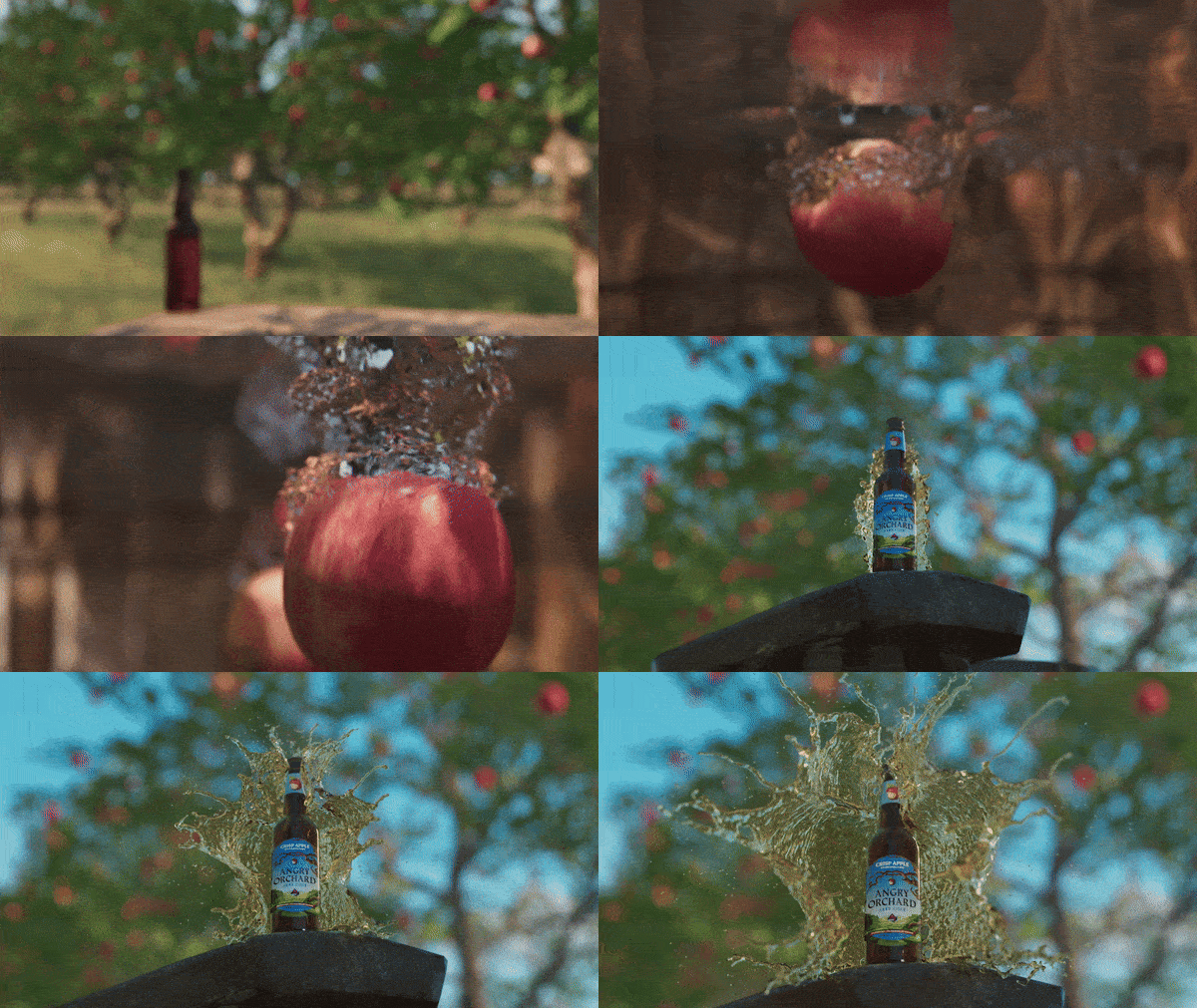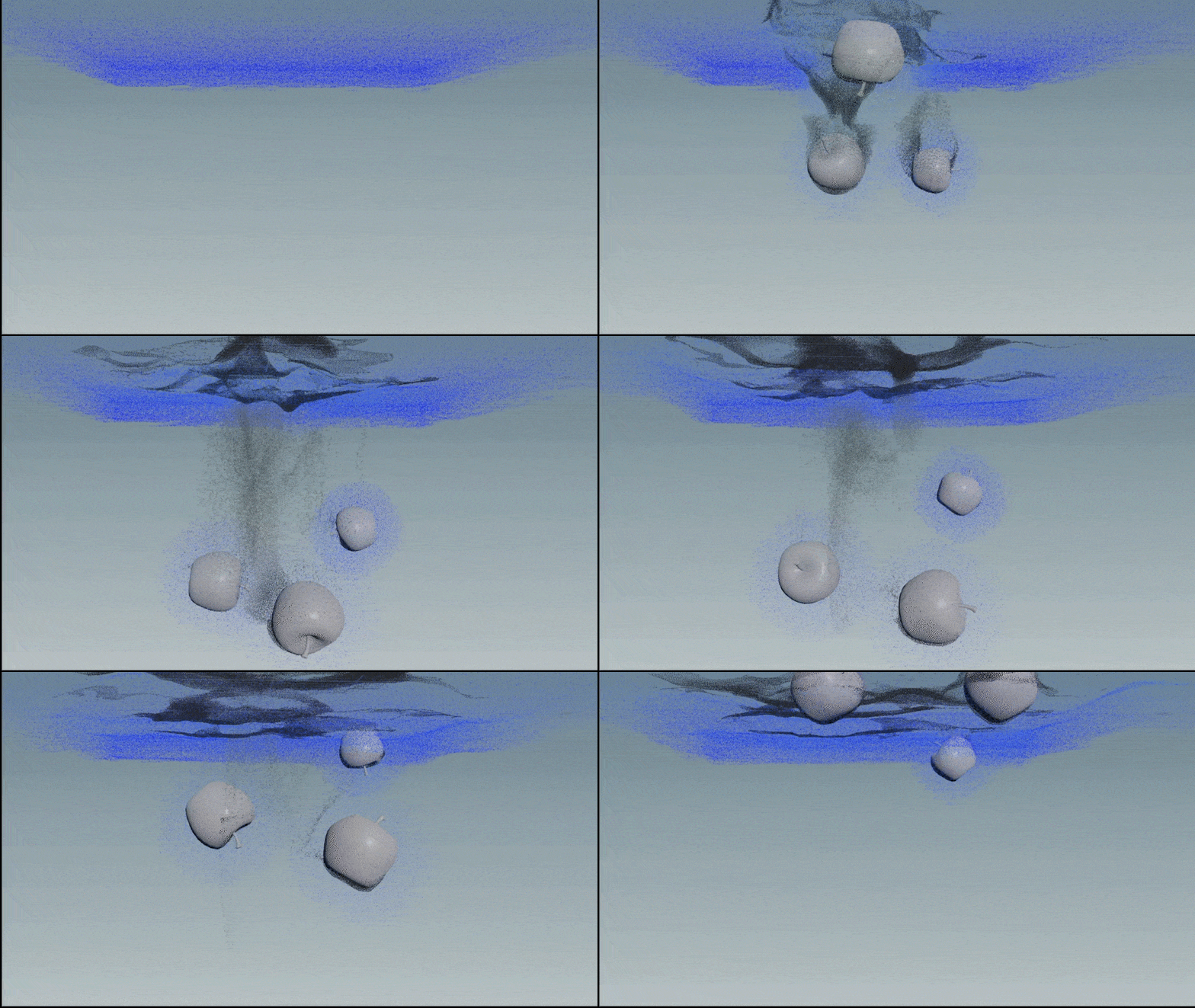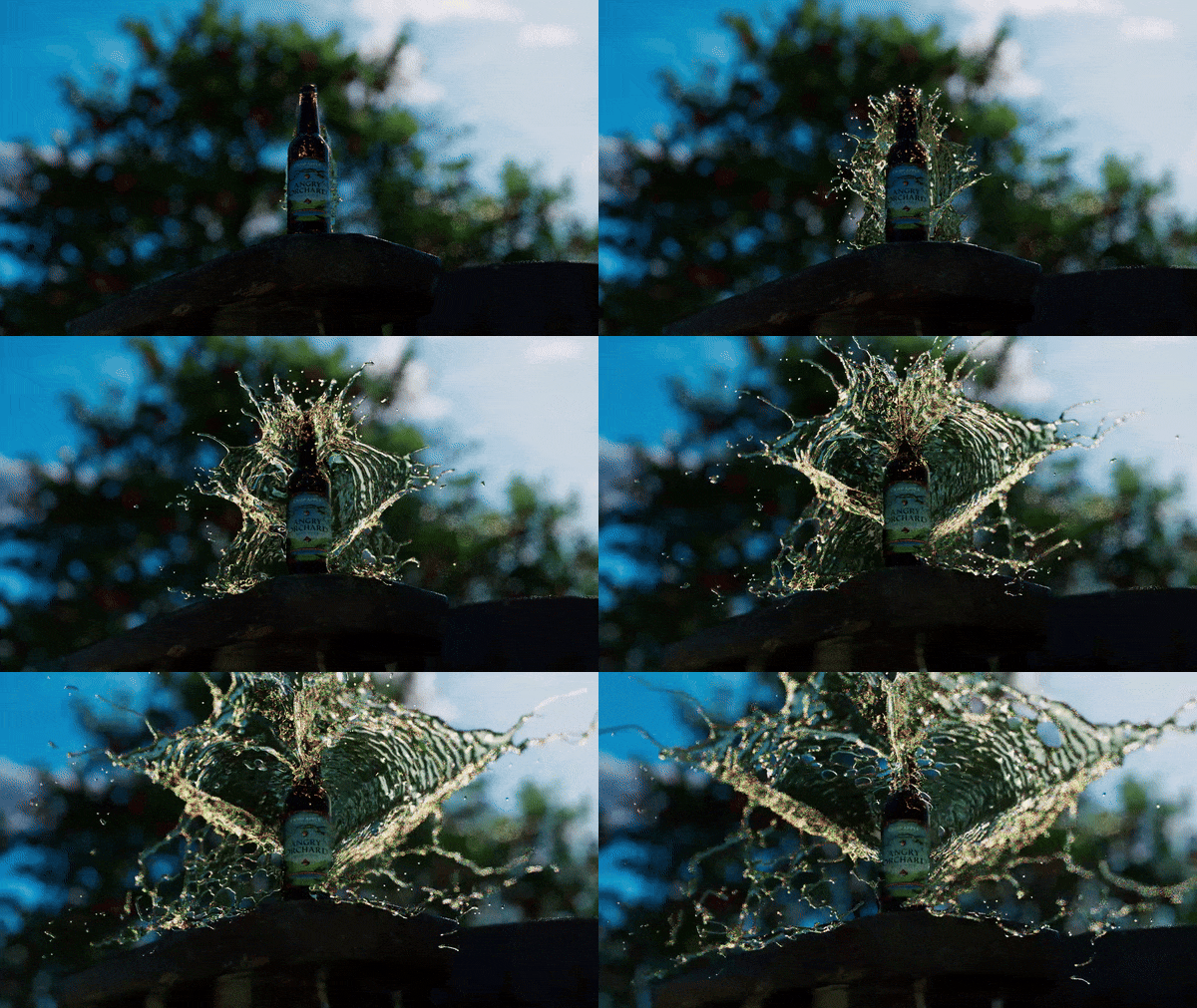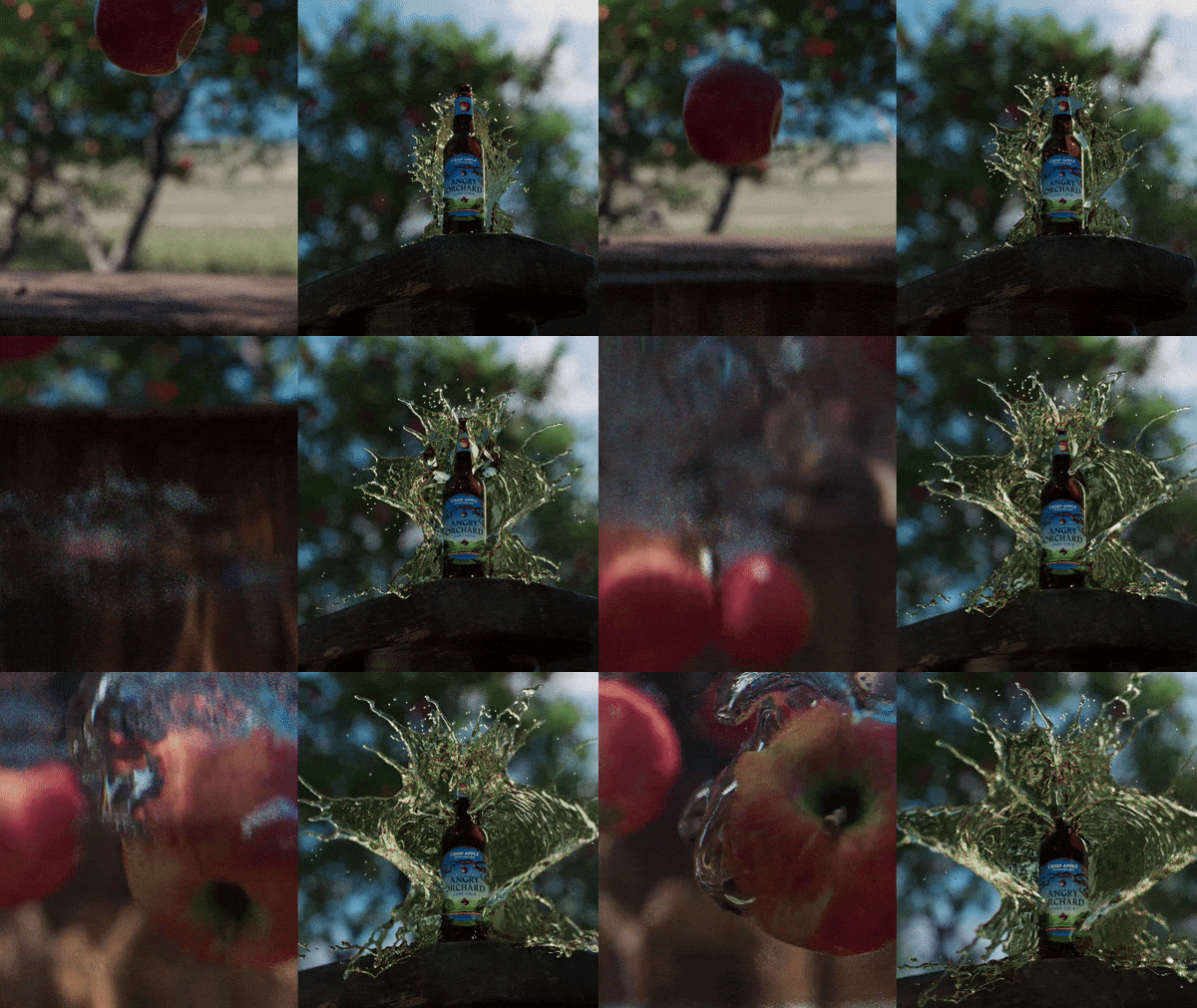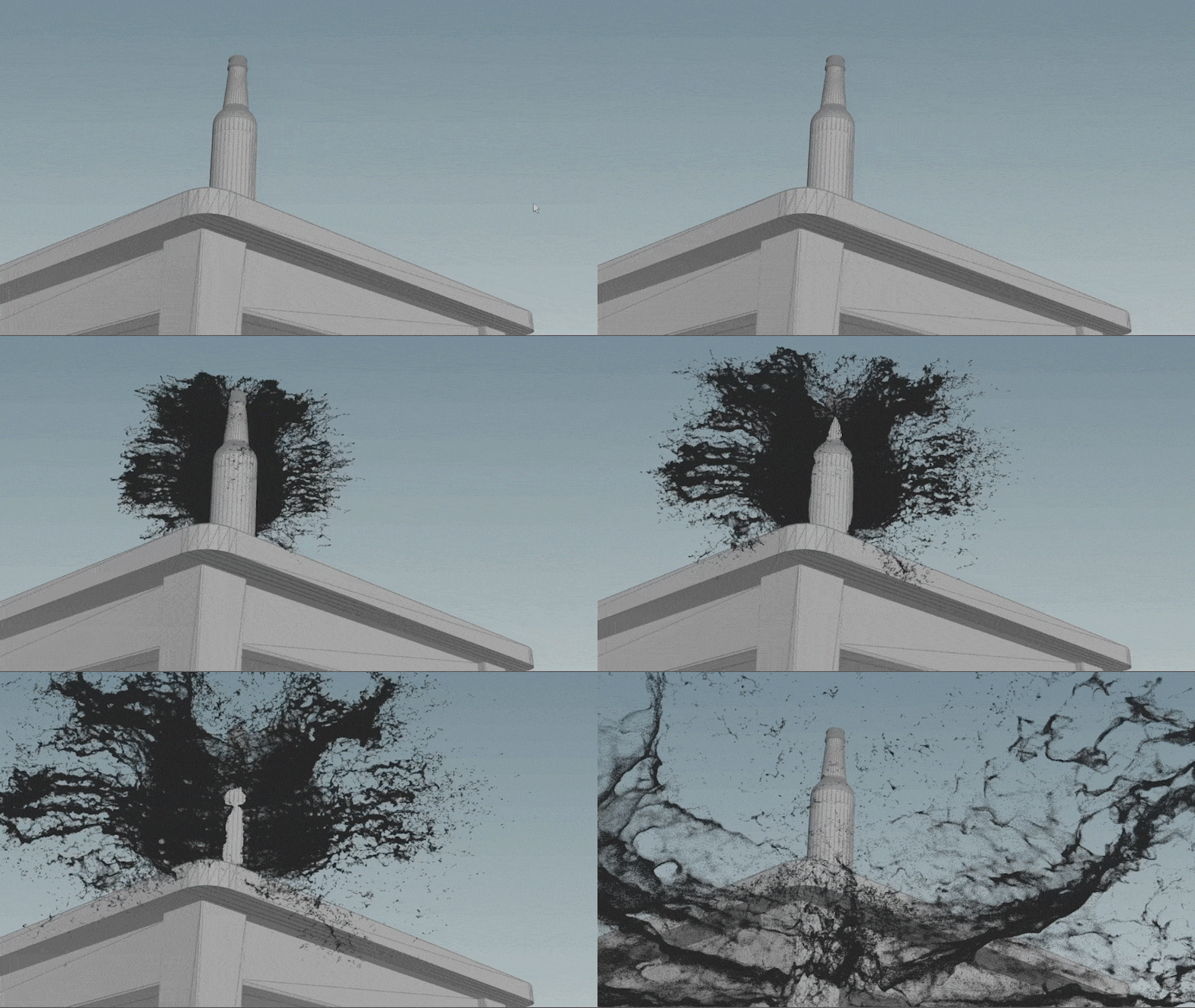

update as of 02 Nov, 2024
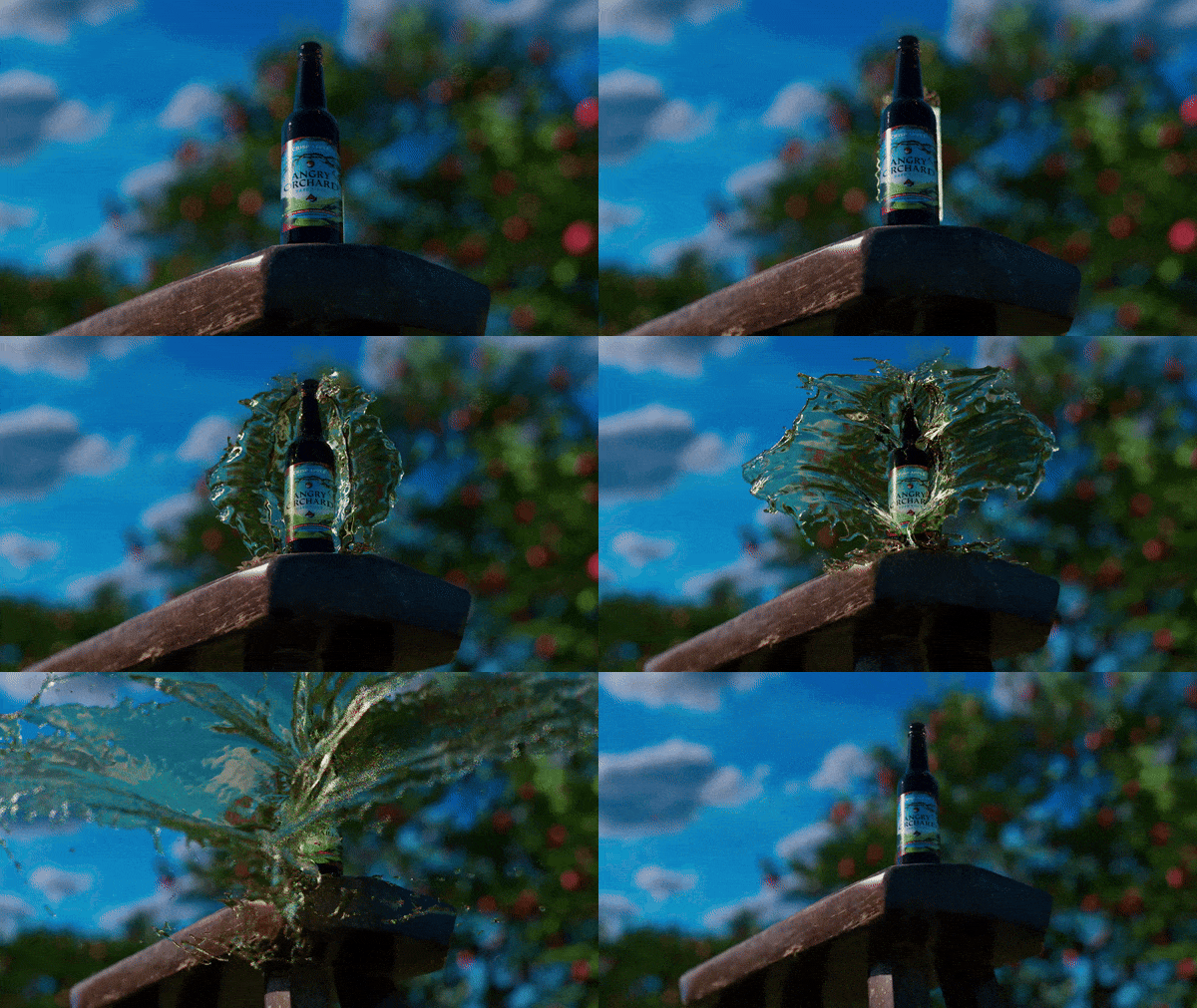
high-res 4k render of shot 6
update as of 31 Oct, 2024 & 01 Nov, 2024
test render (shot 6) with fixed particles and lighting
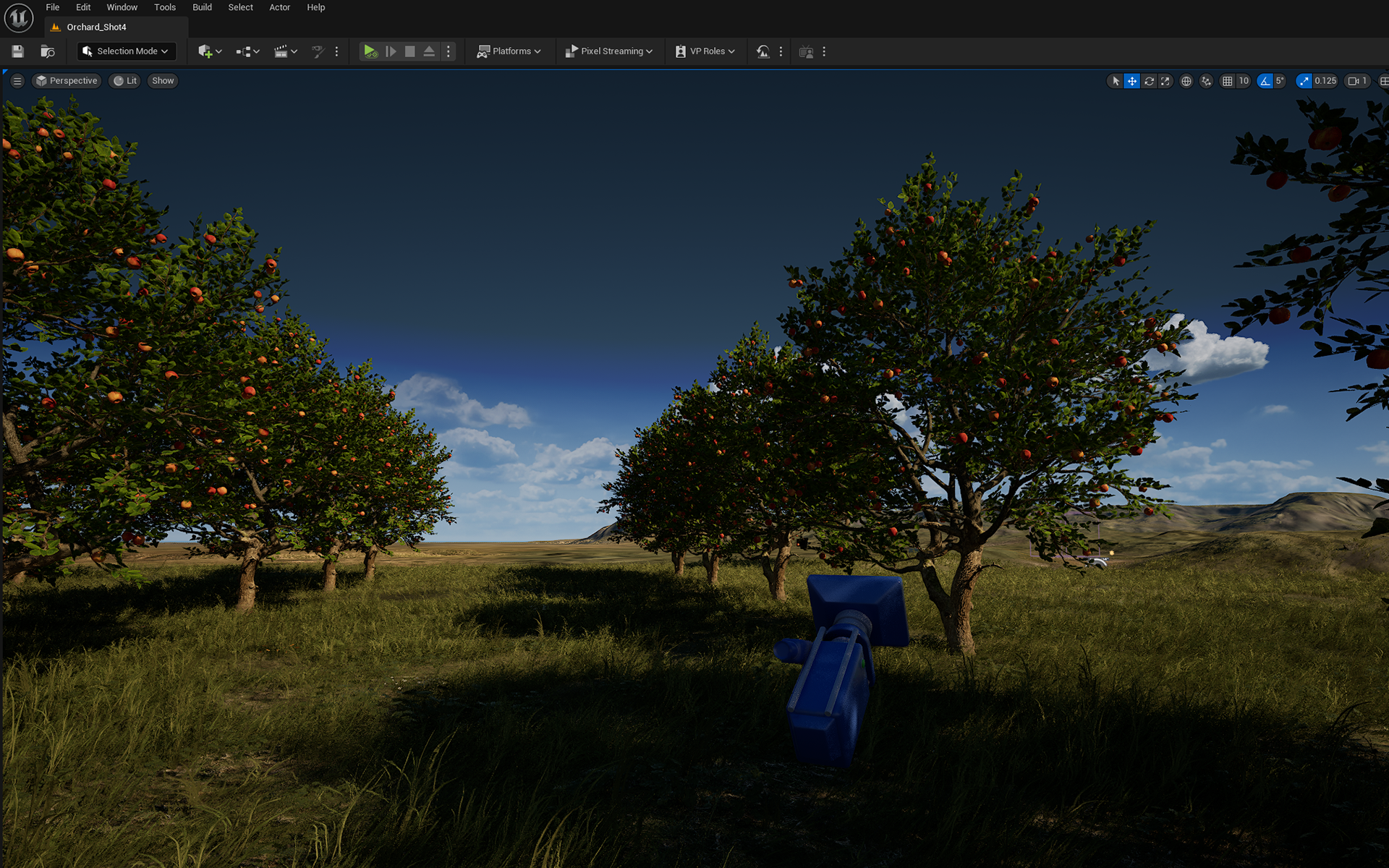
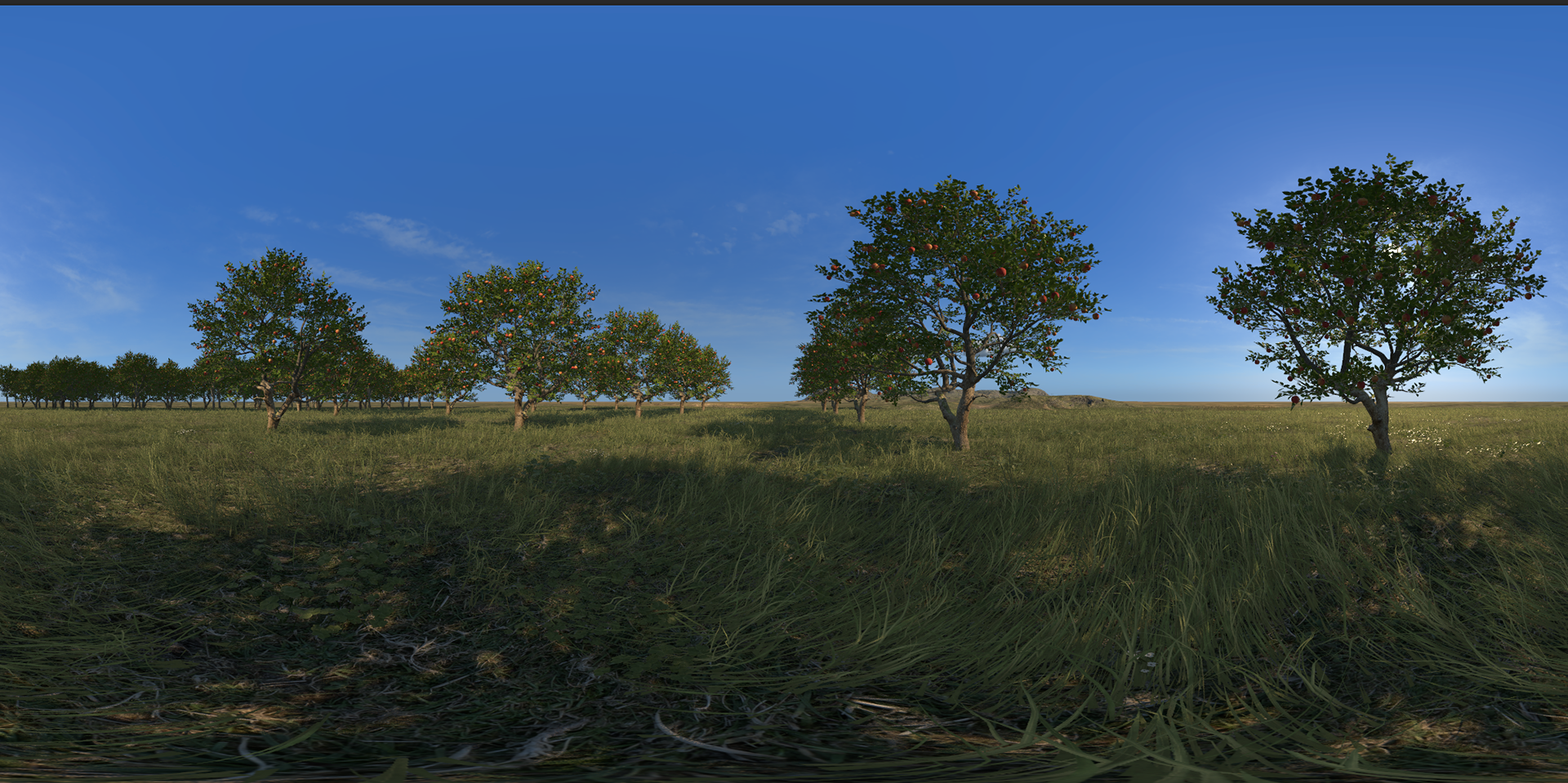
finalizing the hdri for shots 5 & 6
Initially, Chris and I worked together to test various angles for capturing the HDRI from Unreal Engine. Later, Chris kindly shared the UE project with me, allowing me to explore and refine the angles that best suit the scene.
update as of 30 Oct, 2024
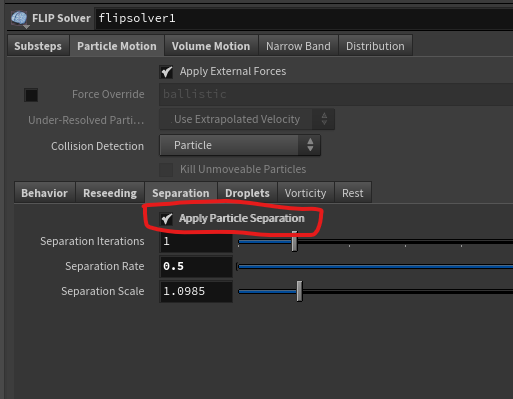
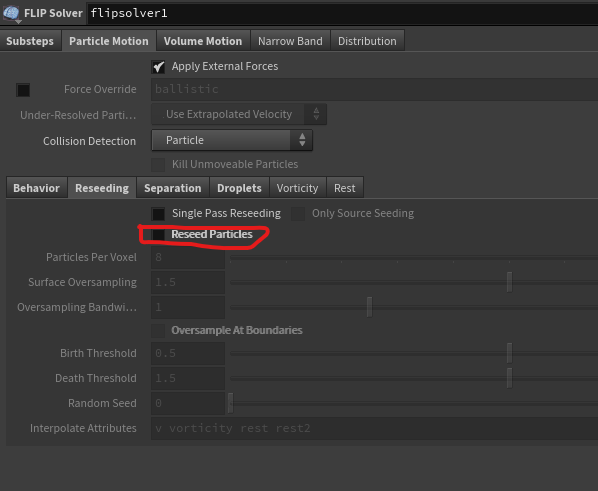
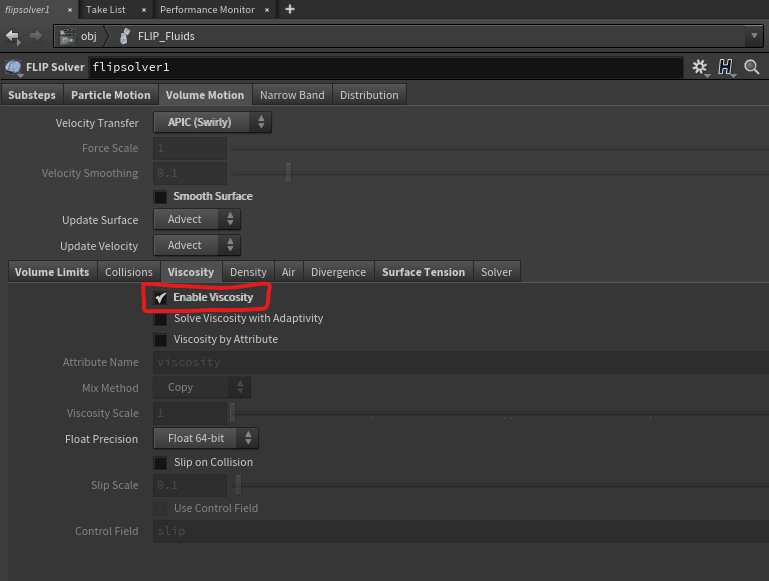
To address the issue of stagnating particles:
- Following Incheol's suggestion, reseeding was turned off to prevent particle stagnation.
- Viscosity was enabled in the FLIP solver to fill any gaps that appeared as a result.
- Particle separation was activated in the FLIP solver to help maintain cohesion among the particles.
update as of 29 Oct, 2024
feedback from emily
Shot 4 & Shot 5: Adjust the fall angle of the apples to match between the two shots and ensure consistent lighting.
Shot 3: Ensure the label faces the camera.
Shot 5: Brighten the bottle, as it appears too dark.
Shot 1 & Shot 2: Improve the transition between these shots for a smoother match.
Feedback from Mazyar
All shots: Match the grass color across the sequence for consistency.
Shot 5: Brighten the apple, as it appears too dark.
Feedback from Incheol
shot 5: Reduce the bubble size.
shot 6: Turn off reseeding and capture the velocity attribute during interpolation to address the issue with stagnating particles.
Feedback from proofessors
a. The atmosphere in shot 6 is very strong.
b. The cider color appears slightly green.
c. The bubbles pop out, well in front of the apple.
d. the bubbles have a somewhat metallic look.
b. The cider color appears slightly green.
c. The bubbles pop out, well in front of the apple.
d. the bubbles have a somewhat metallic look.
Tasks:
a. In Shot 5, adjust the angle of the apple's fall and have the apple bubbles turn off earlier.
b. Ensure consistent grass color across all shots.
c. Match the lighting between Shot 4 and Shot 5 for continuity.
d. Resolve stagnating particles in Shot 6.
e. In Shot 3, adjust the label to face the camera.
f. Improve the transition between Shot 1 and Shot 2 for smoother flow.
b. Ensure consistent grass color across all shots.
c. Match the lighting between Shot 4 and Shot 5 for continuity.
d. Resolve stagnating particles in Shot 6.
e. In Shot 3, adjust the label to face the camera.
f. Improve the transition between Shot 1 and Shot 2 for smoother flow.
update as of 28 Oct, 2024
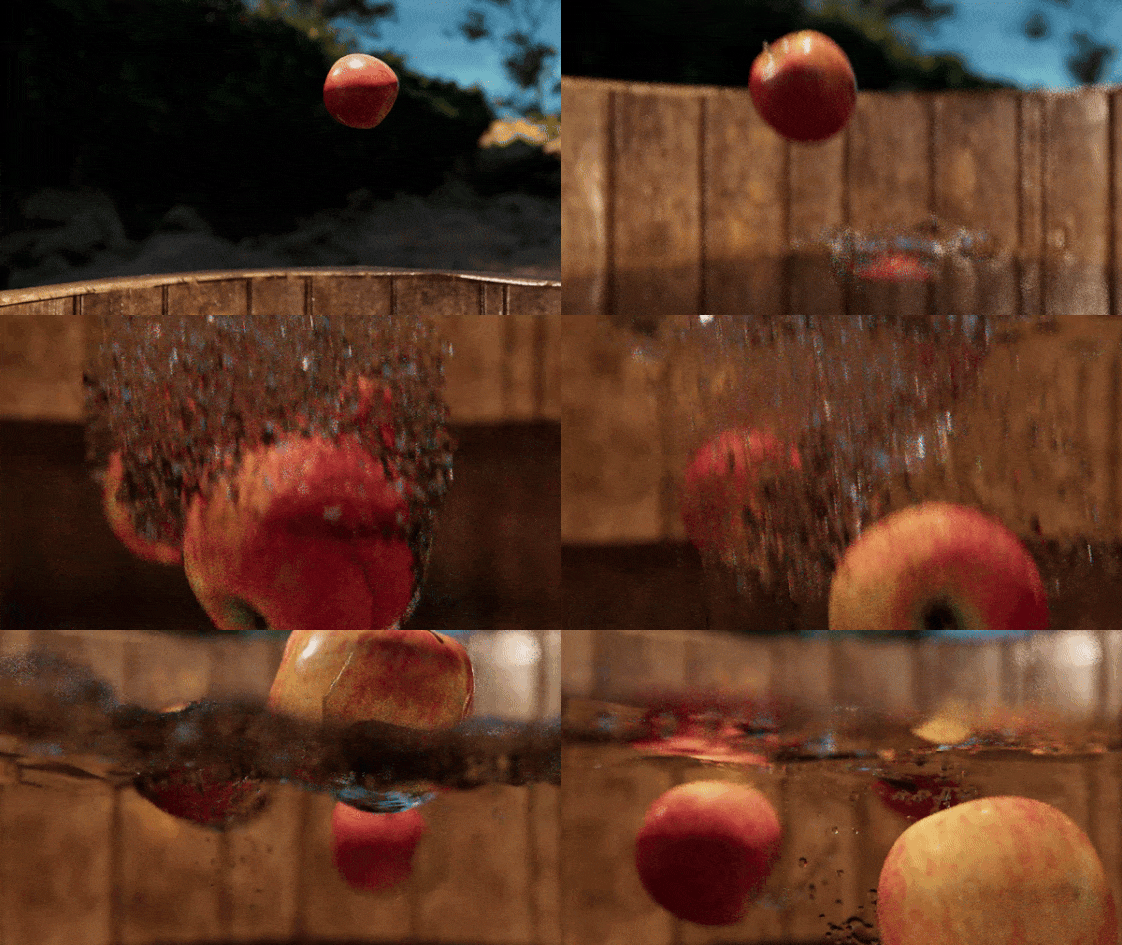
test render of apple drop shot (shot 5)
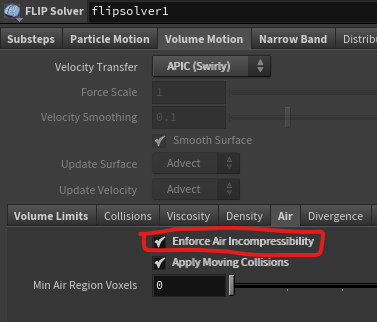
Based on feedback, the render was altered to have the bubbles disappear a few frames earlier. This was achieved by keyframing the Air Incompressibility setting within the solver. However, since this setting only supports values of 1 and 0, the bubbles disappear abruptly without any smooth transition, leading to a sudden pop-out effect.