
Update as of 22-sep-2024
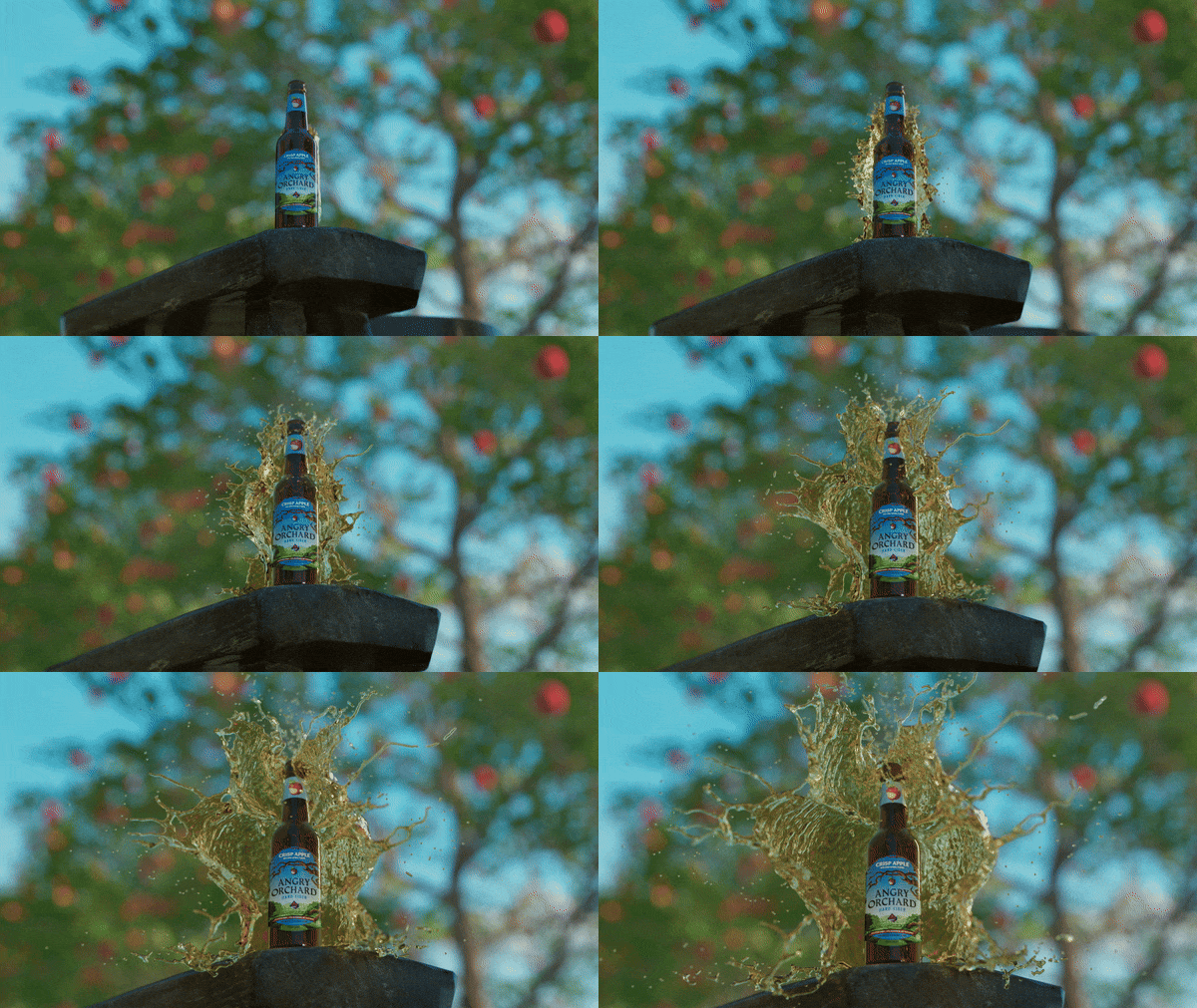
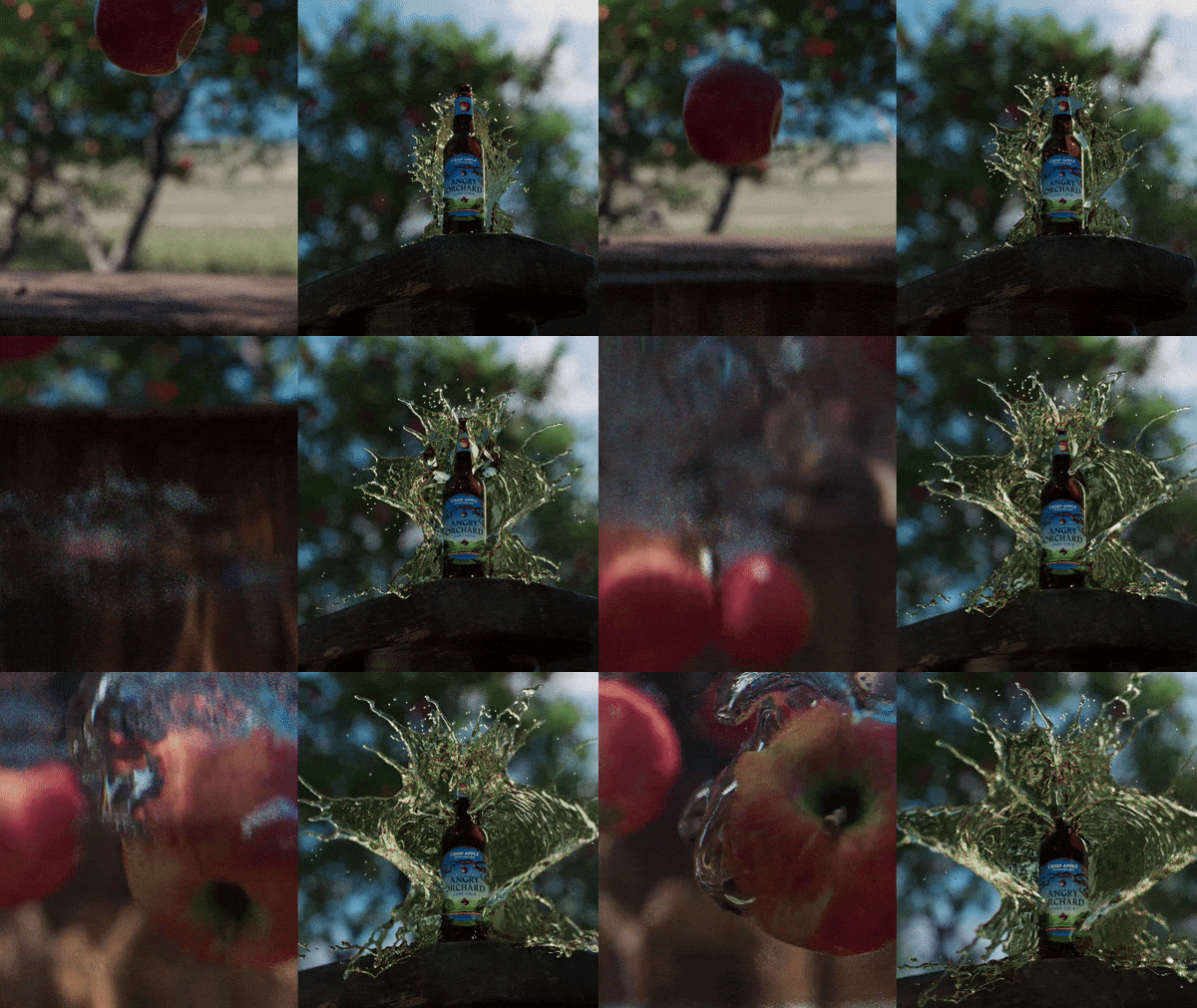
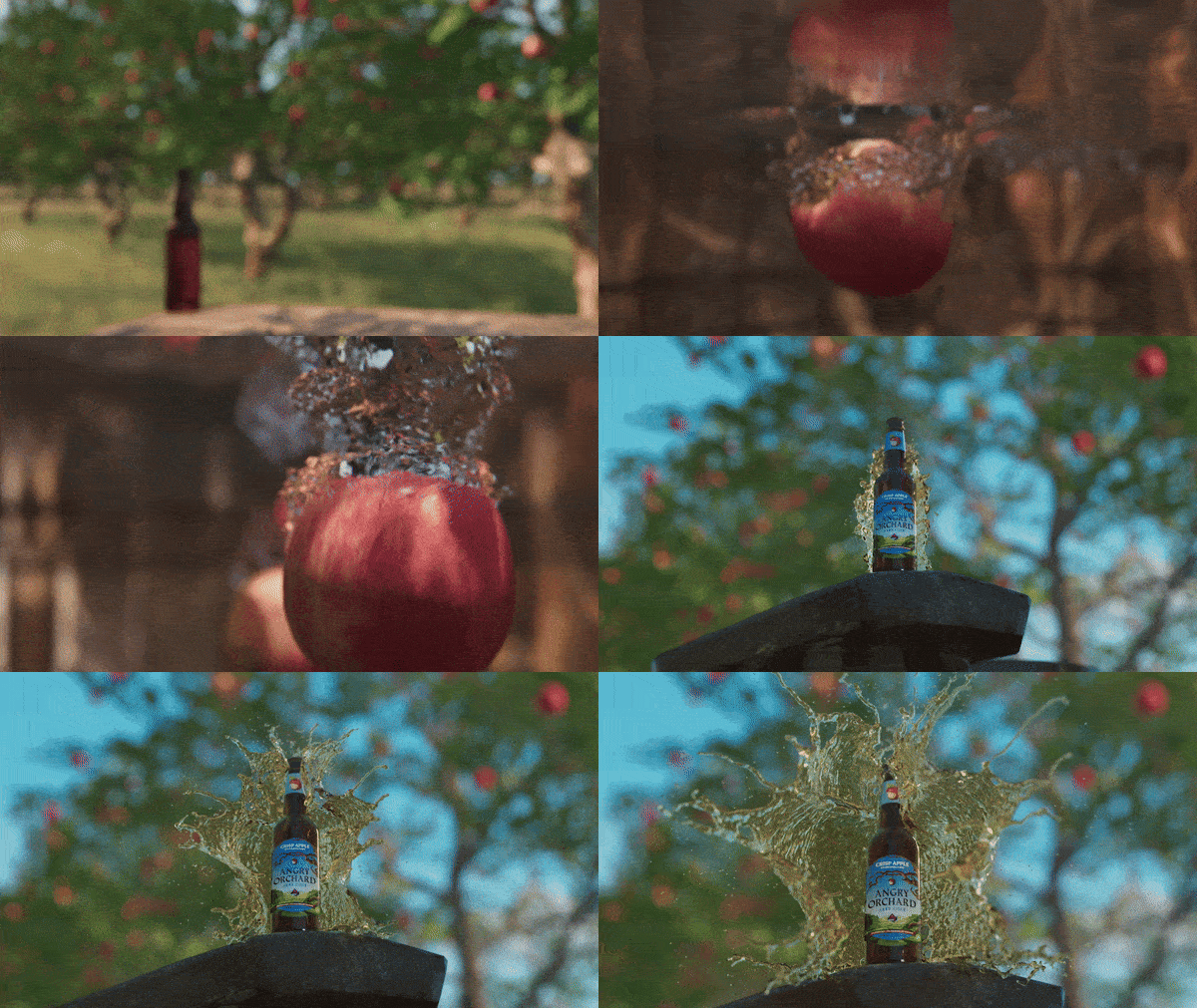
the slo-mo SPlash effect
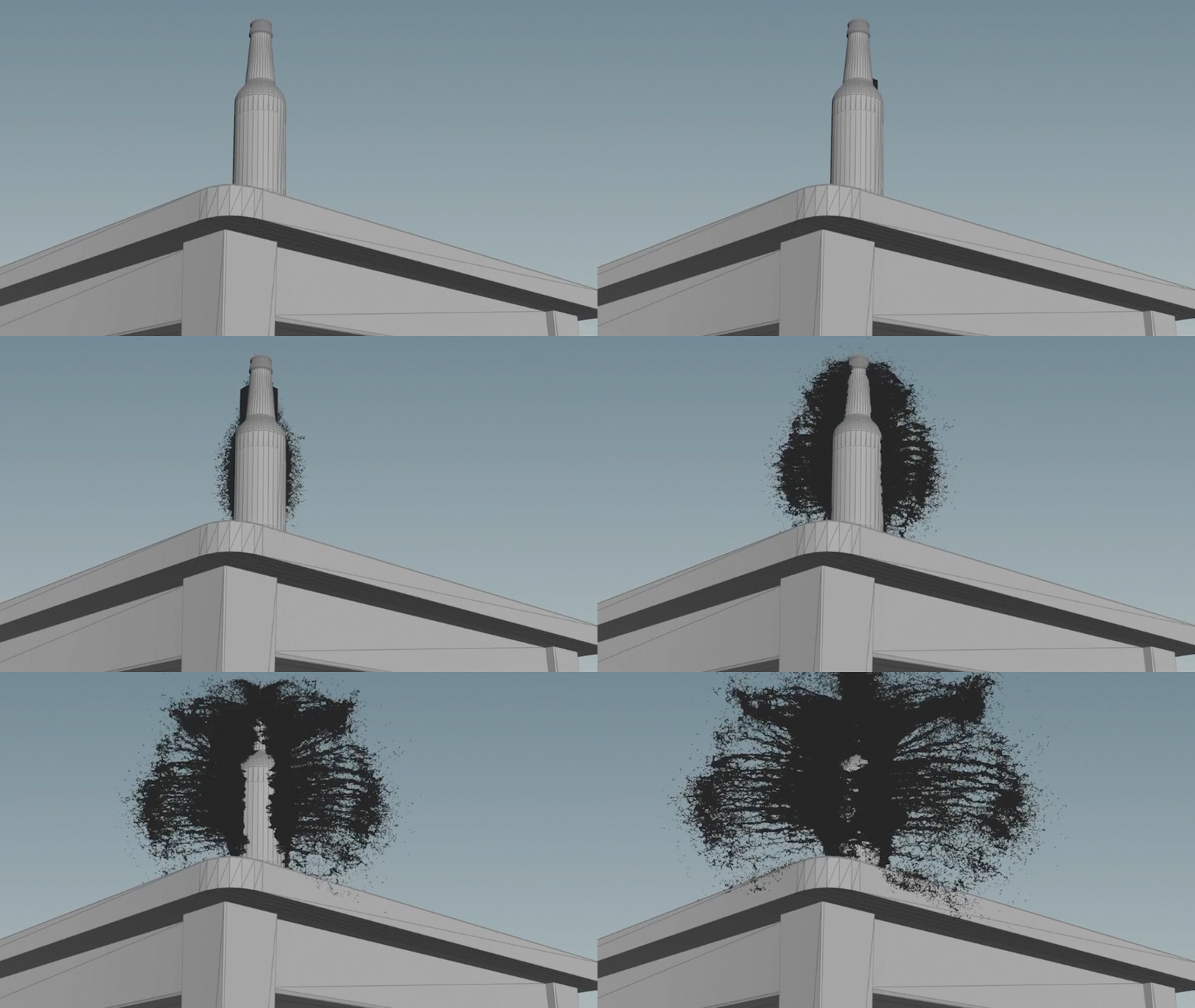
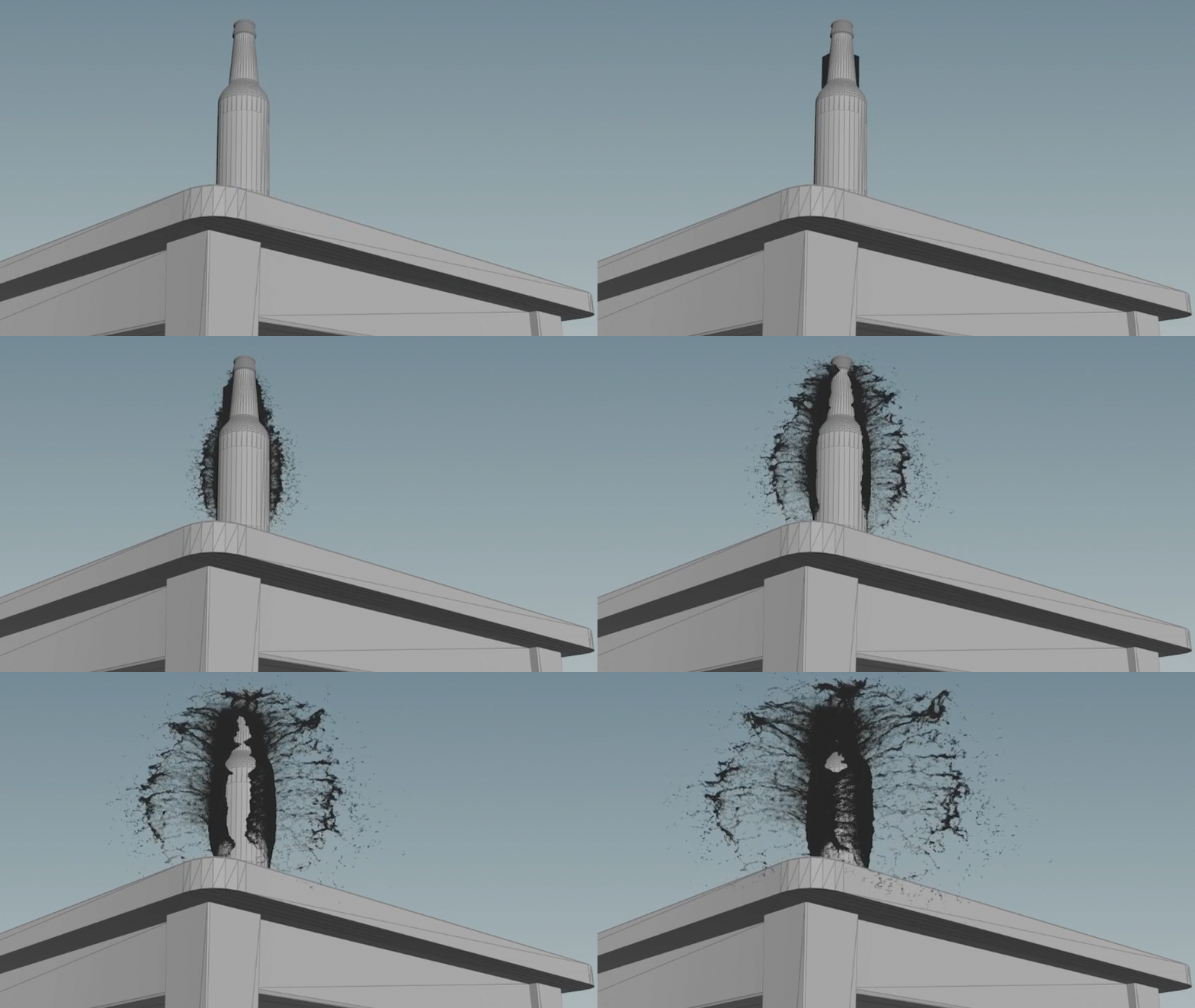
Reference vs flipbook
Values used for this sim :
Point Separation - 0.2
time scale is 0.15 from frame 20-66
velocity values for x & Z - 8, Y - 4
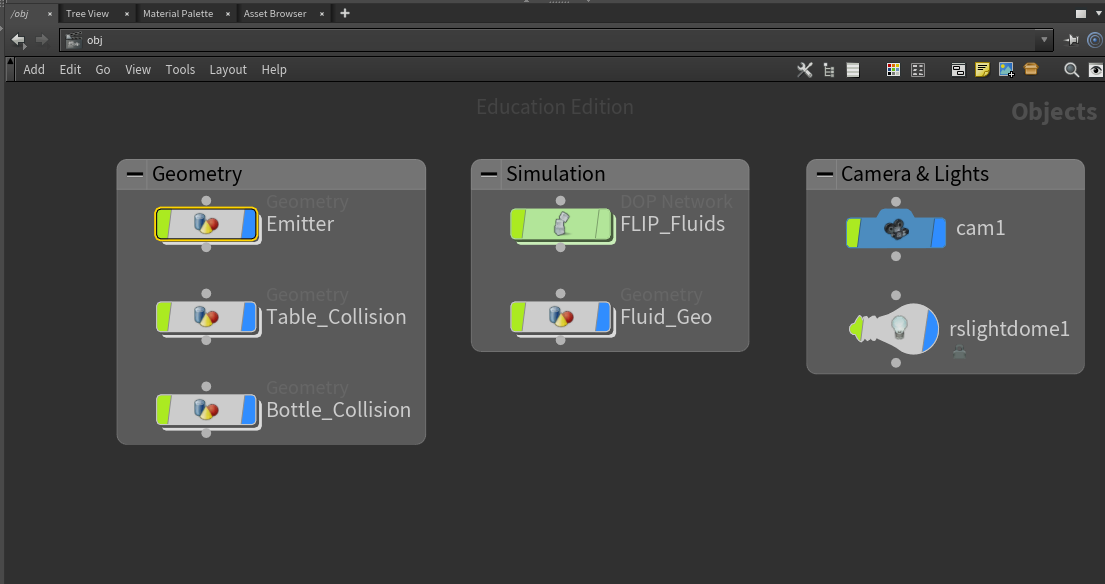
This effect is composed of four primary asset categories:
Volume Emitter: Responsible for generating the source particles or fluid for the simulation.
Collision Object: Defines the geometry or object that interacts with the emitted volume, influencing its movement and behavior.
FLIP Fluid Solver: Simulates the fluid dynamics, managing the interaction between particles and forces within the scene.
Particle Meshing: Converts the cached fluid particles into a continuous, smooth surface for rendering and final output.
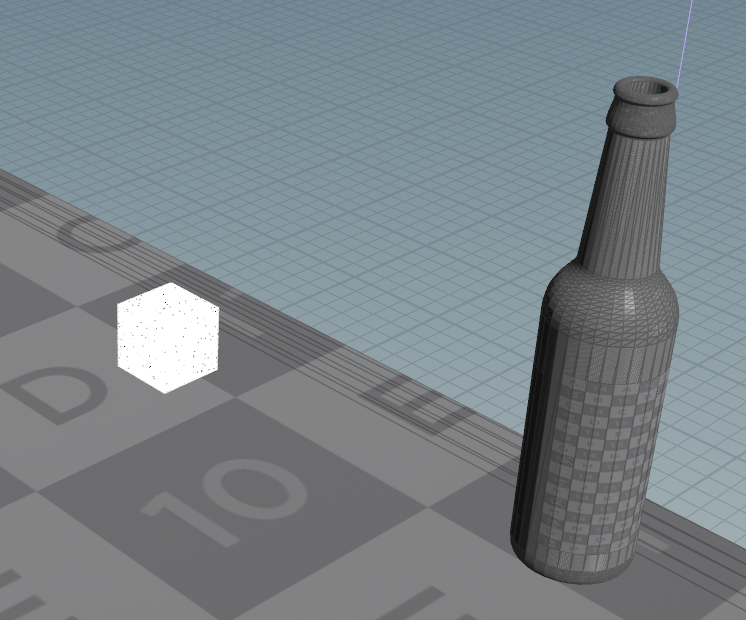
Cubical Emitter
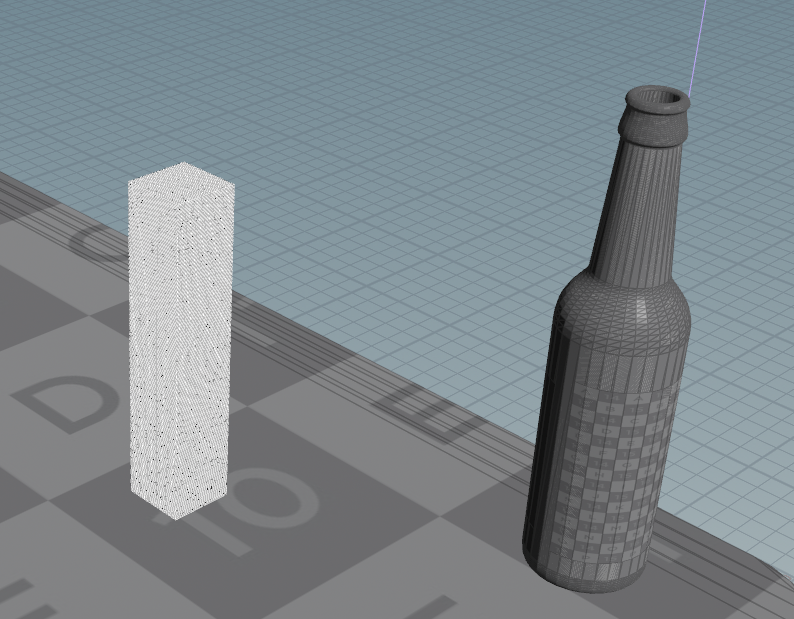
Cuboidal Emitter
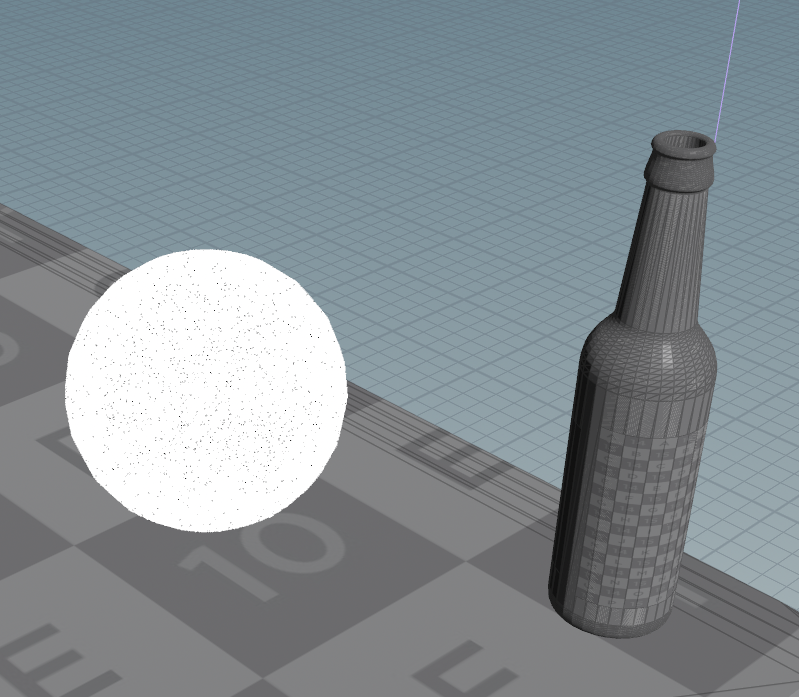
Spherical Emitter
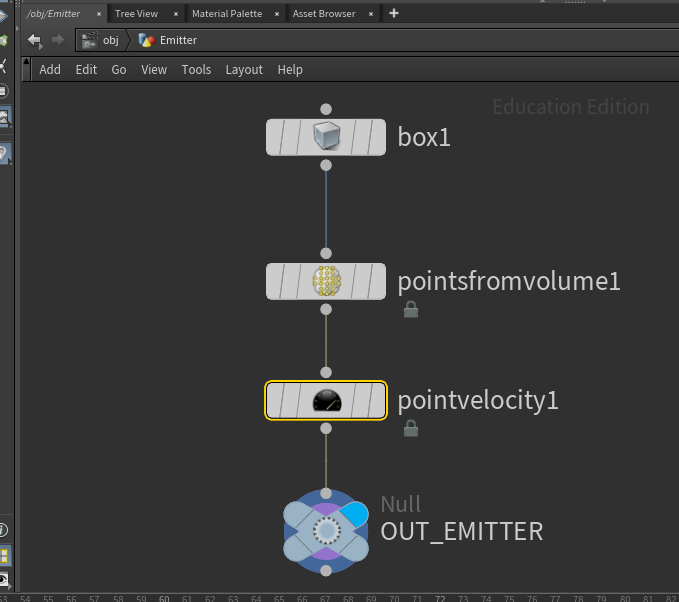
Emitter Setup
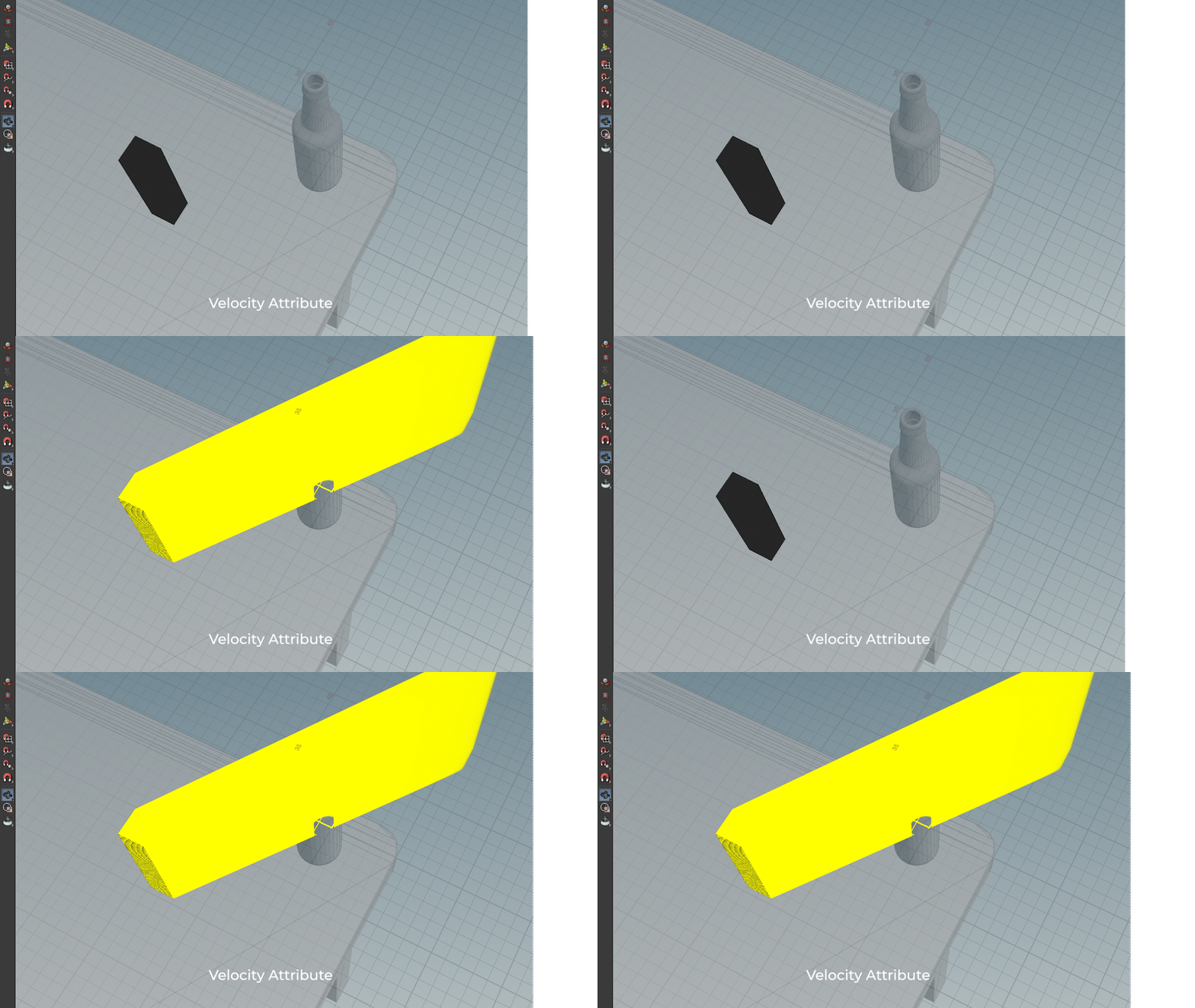
Velocity Attribute
Emitter :
The PointsFromVolume node generates points from the emitter object's volume, assigning point velocities along all three axes to ensure the emission is directed toward the bottle. A crucial detail is that the point separation parameter in the PointsFromVolume node must match the particle separation in the FLIP solver to maintain consistency in the simulation.
Challenges faced To achieve this - various emitter shapes—such as spheres, cubes, and cuboids—were tested, each producing different results.
The cuboid emitter seemed to be the better option.
The FLIP solver is used to simulate fluid dynamics, incorporating gravity forces and collision objects to drive the interaction. Key settings for the simulation include:
Time Scale: Critical for achieving slow-motion effects, allowing precise control over the splash timing.
Particle Separation: Determines the number of particles emitted, impacting the overall resolution of the simulation.
FLIP Volume Box Dimensions: Defines the boundaries within which the fluid simulation occurs.
Voxel Size for Particle Separation: A smaller voxel size results in more finely separated particles, increasing the simulation detail.
One of the major challenges was fine-tuning the time scale to identify the exact frame where the particles should slow down, which required several iterations to get the desired result.
Additionally, adjusting particle separation significantly impacted simulation time—using a separation of 0.2 took 20 minutes to cache, while reducing it to 0.1 increased caching time to 48 minutes, demonstrating the effect on computation and performance.
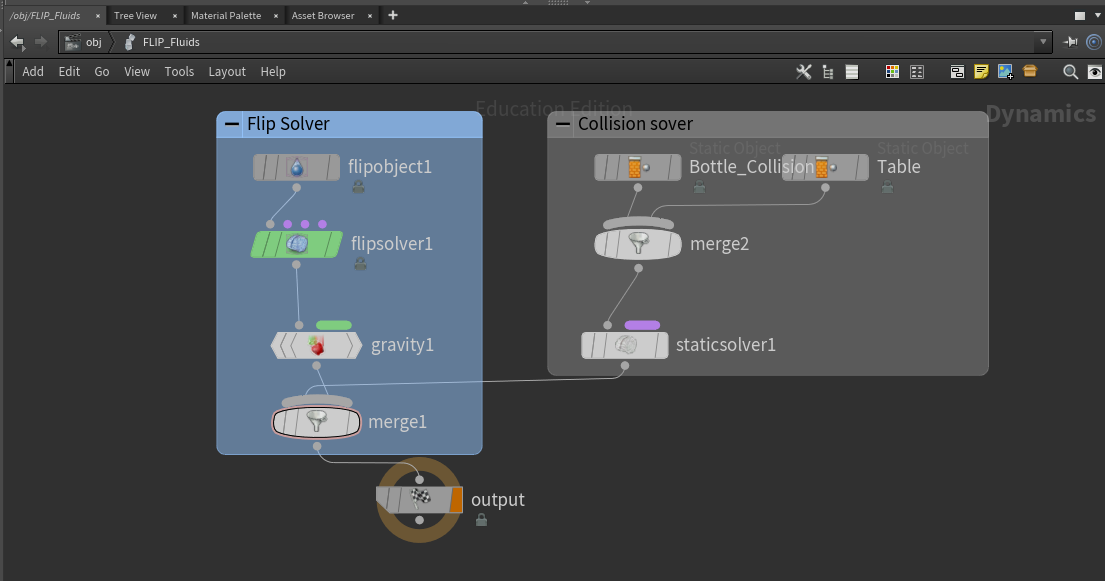
Solver Setup
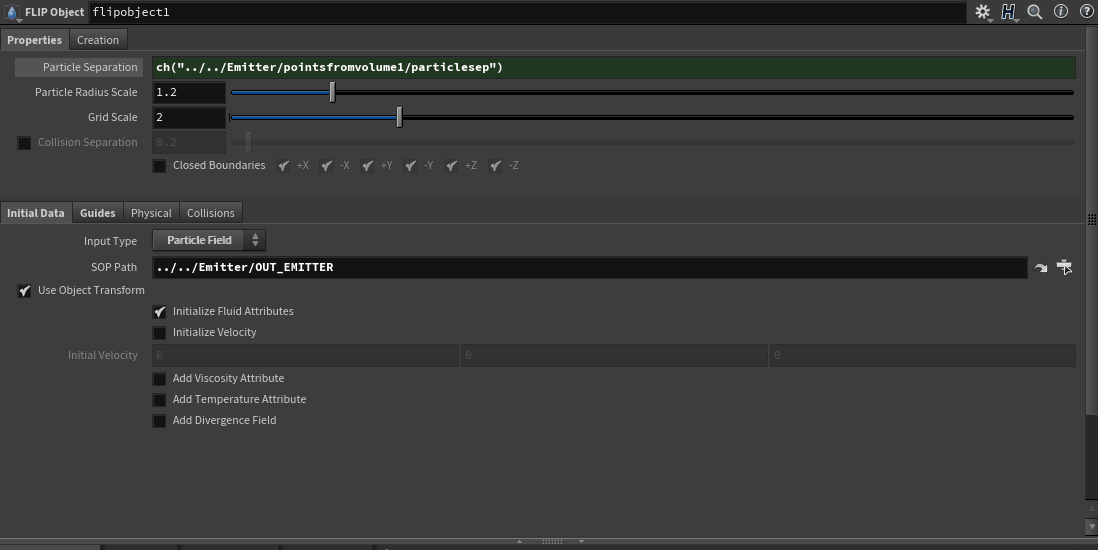
Flip Object Settings
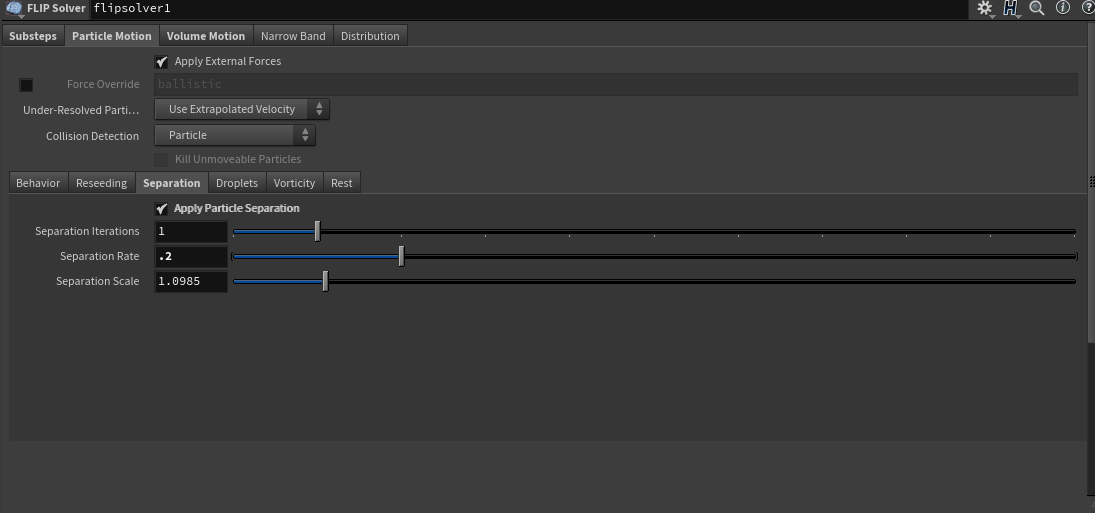
Voxel Size for particle Separation
To avoid repetitive errors, it's essential to maintain consistency in the point separation value across four critical nodes:
1. PointsFromVolume node (under the emitter).
2. FlipObject node (under the FLIP solver).
3. FluidCompress node (within the meshing SOP network).
4. ParticleFluidSurface node (within the meshing SOP network).
To ensure uniformity, the channel reference function (CH) is used to link these nodes, allowing the point separation value to be updated simultaneously across all four nodes by referencing a single value.

other tests with different particle separation & Time scale Values
Tasks pending for this shot
1. using the file cache node to cache the mesh
2. RBD simulation for an apple falling behind the bottle that initiates this splash
3. shading/texturing & Lighting for all assets
4. Compositing with the ue5 scene for the background
Update as of 20-sep-2024
TEST SHOOT :
Our team recently conducted a test shoot for our live-action shots. A big thanks to Ben for bringing his camera and tripod, and to Donnie for organizing the necessary supplies.
After reviewing the shoot, we realized we weren’t maximizing the potential of the XR stage, so we decided to make some adjustments to our original plan:
1. For the final shot, we’re opting for a wide shot featuring an actor standing behind a table, pouring into a glass, with the glass being replaced by an apple in post-production.
2. Since the initial shot is a close-up, we’ve decided to film it entirely on a green screen to streamline the process and focus on the details.
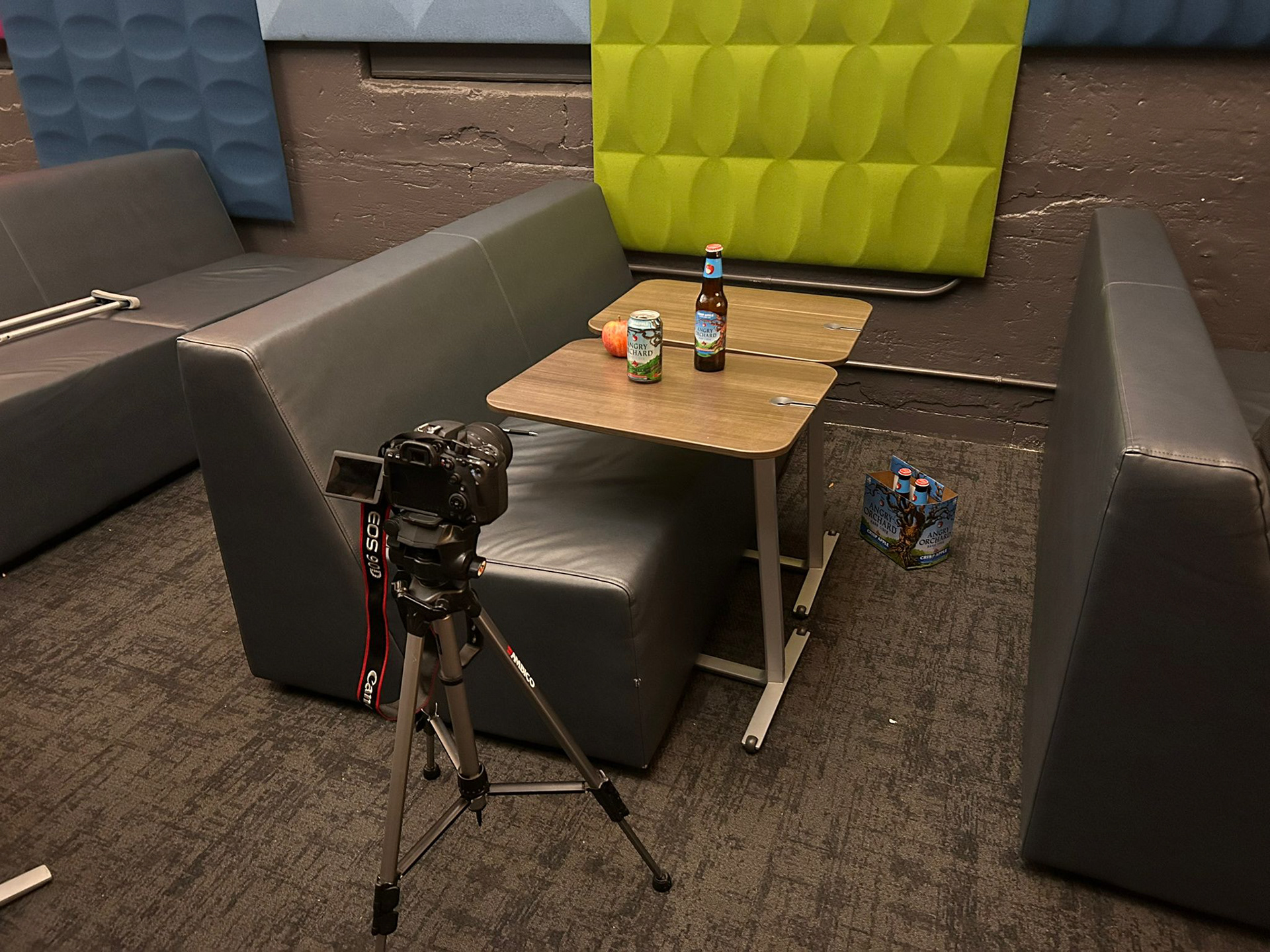
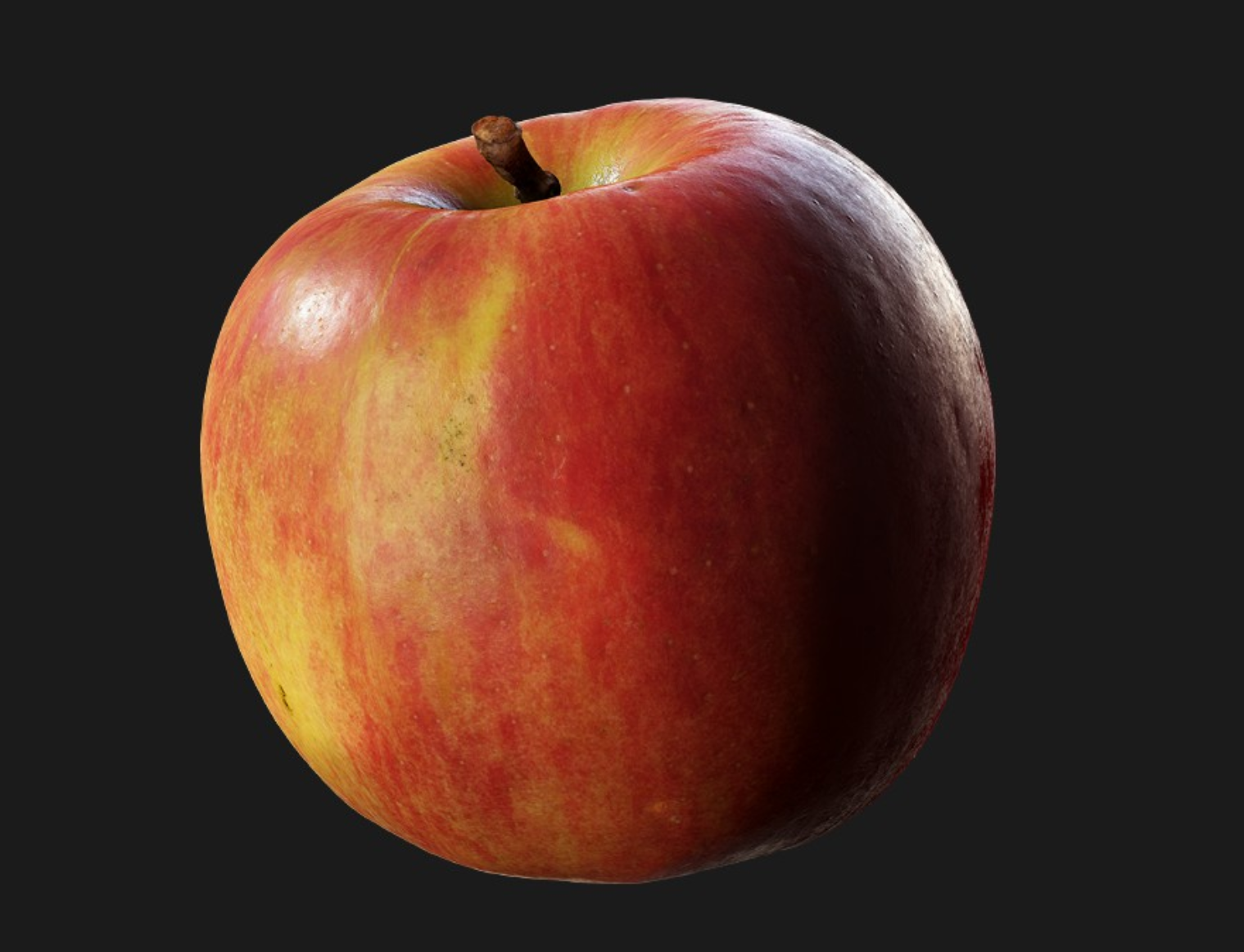
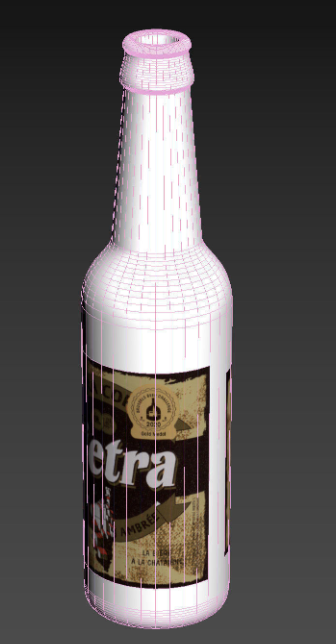
Assets Gathered for FX Shots
Update as of 19-sep-2024
VISIT TO THE XR STAGE :
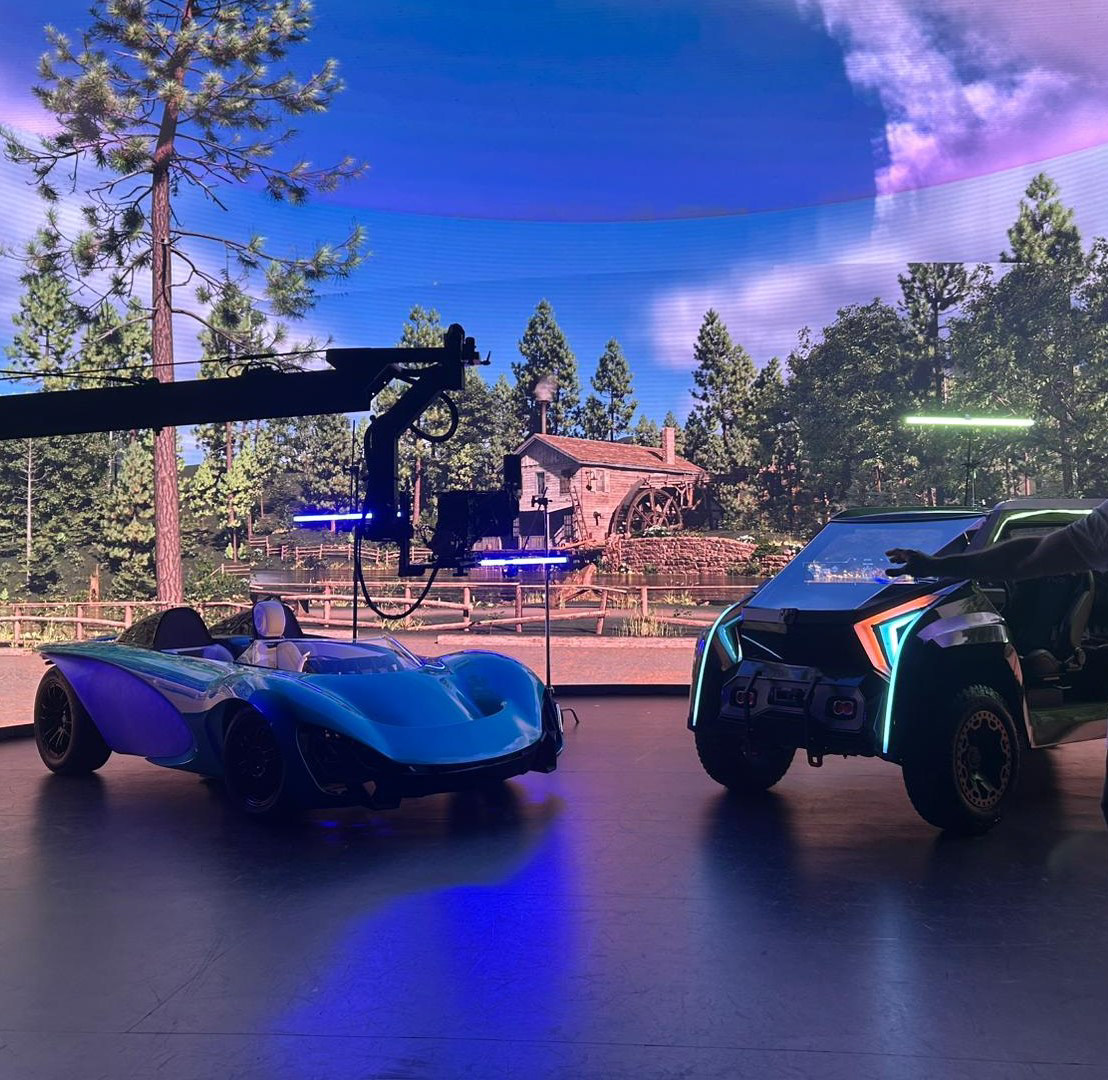
Our class recently visited the XR stage, where we saw two impressive cars, Aethereal (left) and Tyr (right), designed and built entirely by SCAD Industrial Design students. Both cars feature custom infotainment systems with integrated speakers and rearview cameras, and the most remarkable part is that they’re fully road-legal.
As a team (Byte), we're considering filming one of the shots for our commercial on the XR stage. During our discussions, we brainstormed various possibilities and potential challenges we might face. We gained valuable insights into how to approach the shoot, but there were a few key issues we deliberated on:
1. If we use a dolly for the camera movement, how can we ensure that the Unreal Engine Camera updates its focus dynamically in sync with the real camera?
2. Is it possible to use a zoom lens for the camera during the shoot, and how would that impact the integration with the XR stage setup?
These considerations will be critical as we plan the technical aspects of the shoot.
Update as of 18-sep-2024
Feedback
Product Integration: Highlight the "Angry Orchard" product by featuring actions like opening a can and impactful sound design for a more immersive experience.
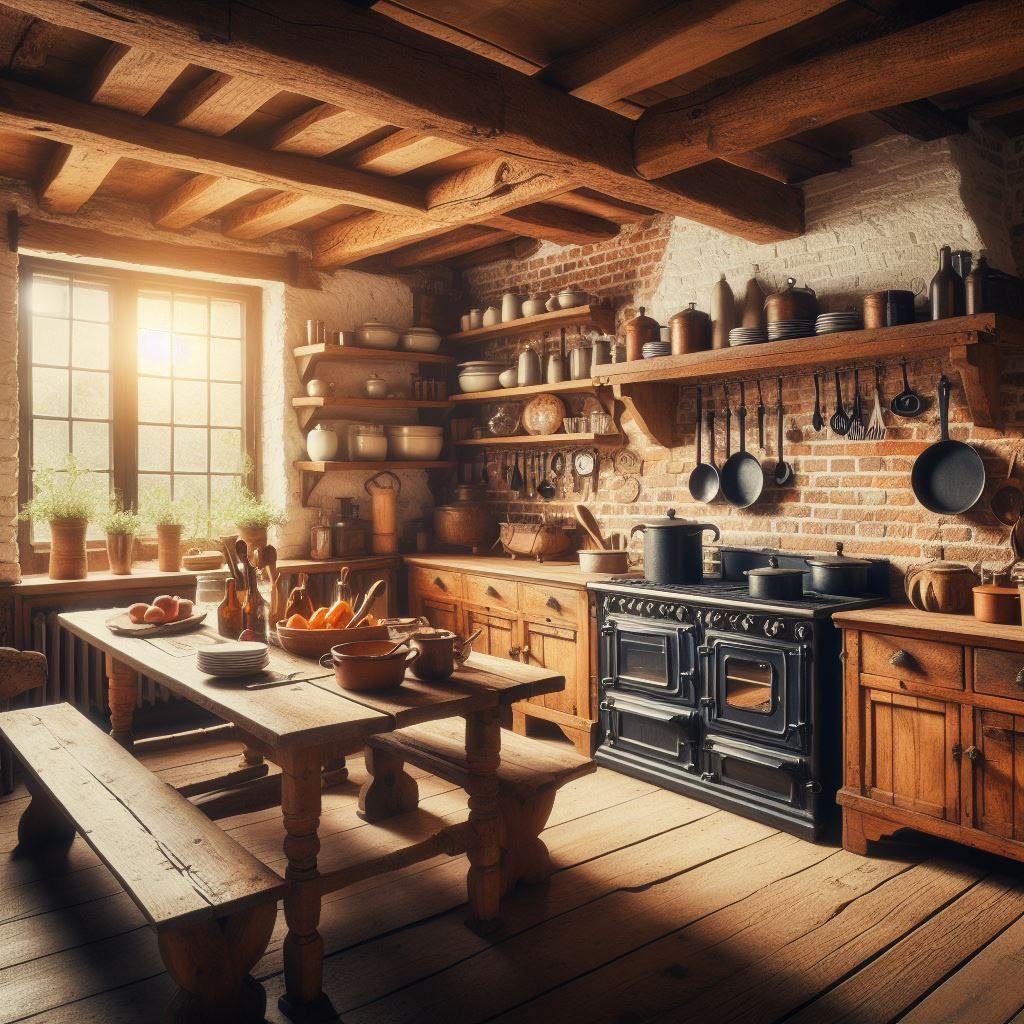
Scene Change: change the interior setting from a living room to a farm kitchen, aligning the environment with the brand's rustic, orchard-themed identity.
Motion Graphics: Include a motion graphic sequence at the end of the commercial (feedback was shared with another team which is also applicable to our team)
Clarifying Product Confusion: Address the potential confusion of featuring only the can at the start and both the can and bottle at the end by ensuring a clear narrative or visual connection between the two.
Cokitchen references

Team Discussions
Product Interaction: Plans to incorporate more product interaction in shots 1 and 7 for stronger brand engagement.
Camera Tracking: Professor Bridget Gaynor suggested obtaining FBX data from the XR stage for improved camera tracking.
LED Volume Insights: Discussed why The Mandalorian, Batman, and First Man benefited from LED volumes, noting that uniform materials, like helmets, reflect light well, enhancing the visuals.
Test Shoot: Preparations for the test shoot on September 20, 2024, are underway.
Look Development: Focused on developing the look for key assets—glass bottle, brand label, and apple.
Fluid Simulations: Briefly discussed challenges in using fluid simulation Alembic files from Houdini in Unreal, leading to the decision to create HDRI within Unreal for use in Houdini instead.
personal tasks
Slow-Motion Splash (Shot 6): Create a slow-motion splash effect using a FLIP object with angled initial velocity, colliding with a bottle.
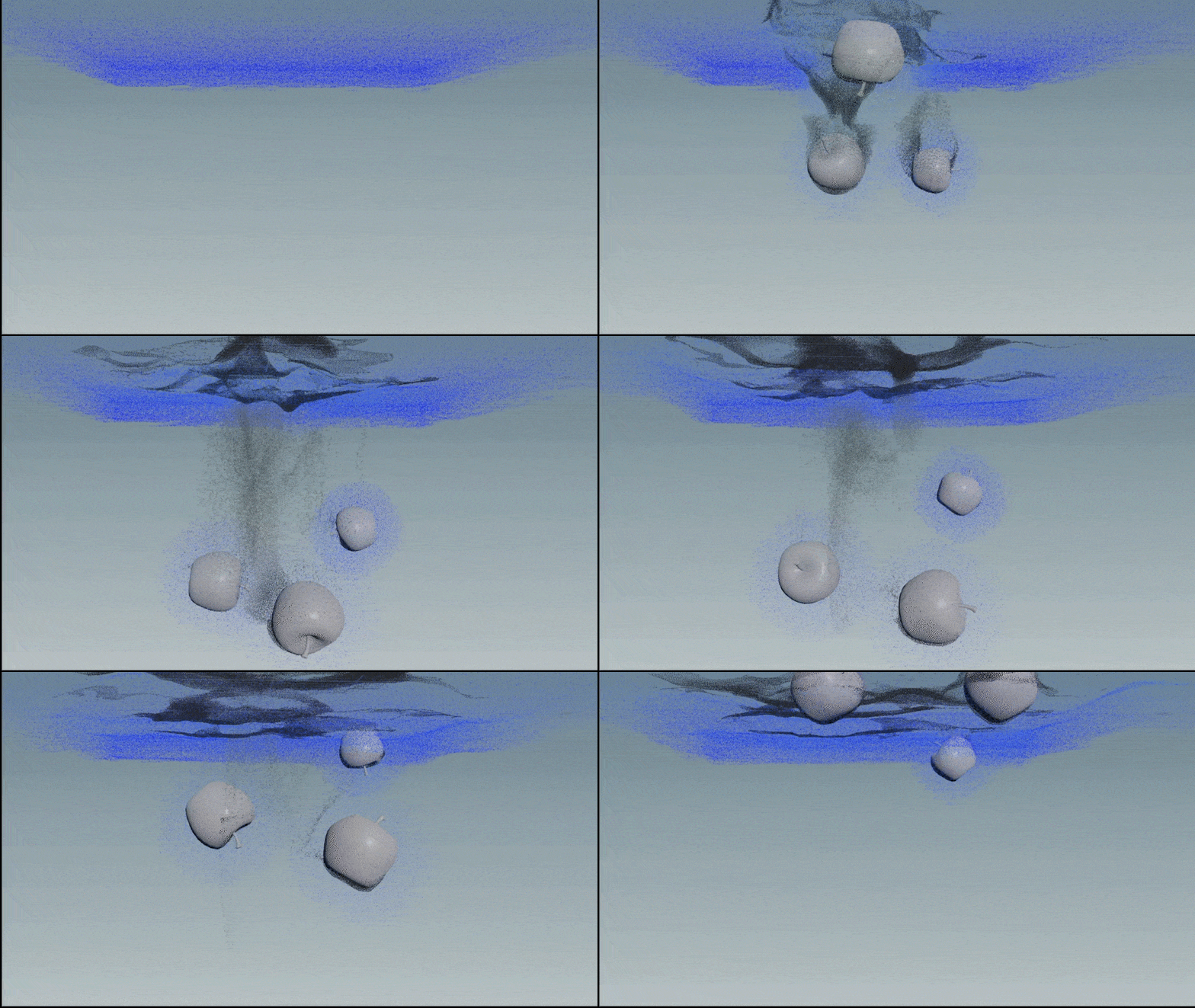
Apples Falling into Water: Complete the shot of apples falling into water by utilizing a FLIP tank and whitewater simulations for realistic splashes.
Shading Exploration: Explore the differences between Karma and Redshift for shading the fluids in both scenes.